Efficient Dynamic Lighting with Transmittance Simulation on Two-Dimensional Tilemap
When I was building my game Terrarum, highschooler me had an engineering problem to solve; several actually:
The lighting engine must be able to:
- cope with the moving and colour-changing light sources
- simulate a tinted glass
- make it fast enough
Carefully examining the Terraria for the first time, I’ve realised that the game applies “taxicab norm” to the light because a point light source would spread in the diamond shape, therefore haphazardous me came up with the first (and honest-to-god awful) solution:
Methed 0. Just Wing It
For each light source on the screen, n×n square centered to the light source is given, then the source light is spread to the nearby tiles, in spiral track starting from the light source, darkening its light using the opacity of the tile under the iterator cursor.
The calculated value is then written to the lightmap, and subsequent run would read this calculated result as the part of the ambient light.
The Cost
For 10000 on-screen tiles, the total number of tiles gets calculated are
Method 1. Spread to Every Quadrant
But obviously the method above fails to meet requirements 2 and 3, and on top of that I decided that I don’t like the square-ish shape of my torch light, so I came up with the simple convolution that produces octagonal light instead:
| 1.4142 | 1.0 | 1.4142 |
| 1.0 | 1.0 | |
| 1.4142 | 1.0 | 1.4142 |
(the number stands for how strong the nearby tiles should be darken. In this convolution the diagonal cells would get extra darker than 1.0 cells)
This convolution will be used for all simulation methods described below.
The Spreader
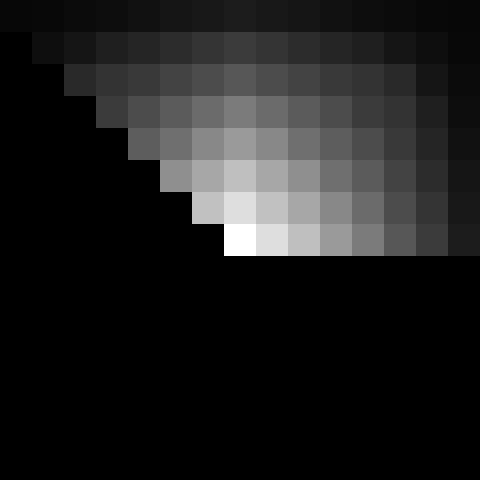
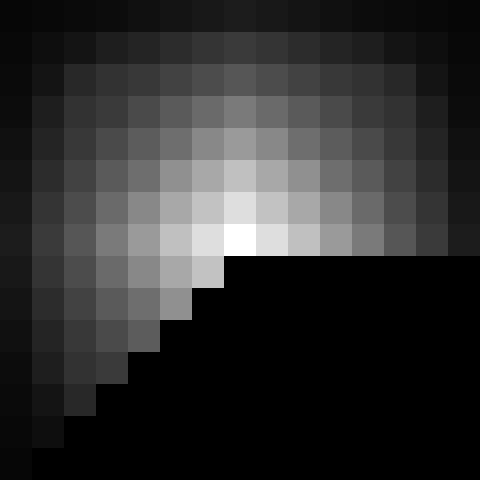
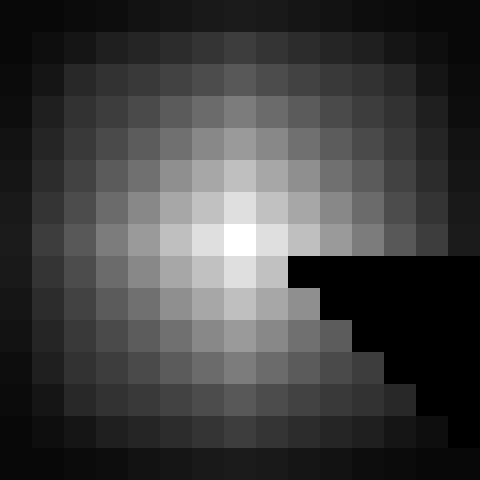
| Run 1 | Run 2 | Run 3 | Run 4 |
 |
|
|
|
|
 |
 |
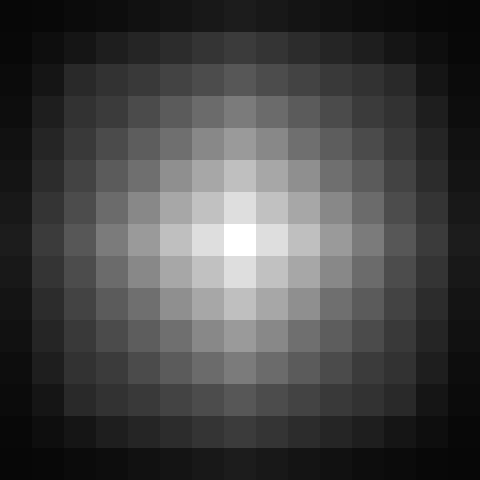 |
| Run 1 | Run 1+2 | Run 1+2+3 | Run 1+2+3+4 |
(each run would look like the picture above; the calculation effectively combines these four lightmaps by
So instead of spreading every light source on the screen (remember, there are thousands of light source tiles on the screen because of the sunlight), I came up with the idea of spreading the entire screen in one go, and since spiraling from the centre of the screen simply does not make sense, I decided to process the lights in 4 different quadrants for each run.
For each quadrant run, 8 nearby tiles are sampled as an ambient light and the opacity of the centre tile is applied by darkening the ambient light, then calculates the brightest light value such that:
t1, t3, t7, t9 = darken(tN_LIGHTNESS, 1.4142 * t5_OPACITY)
t2, t4, t6, t8 = darken(tN_LIGHTNESS, t5_OPACITY)
AMBIENT_LIGHT = maxOf(t1,t2,t3,t4,t6,t7,t8,t9)
(darken is a function that darkens the given light level to given opacity, maxOf is a function that takes larger value for each channel in given light levels)
then the “current light level” of the current tile is calculated (details see the Precalculation subsection), and the final output is:
LIGHT_OUT = maxOf(CURRENT_LIGHT_LEVEL, AMBIENT_LIGHT)
But running the calculation per quadrant is not enough: you need to make several 4-quadrant runs to make the light reach every possible illuminable corners; 8 runs are the bare minimum that does not darken the light-trapping corner too much.
Precalculation
In order to reduce the number of calculation per tile, the current light and opacity level of updating tiles are precalculated at the beginning of the entire-screen light simulation, which makes the “current light level” calculation O(n) instead of O(9n). The “current light level” of a tile depends on one or more light and opacity sources on the tile’s position, and 9 accesses per tile is mandated on this method as the status of the surrounding tiles must be known and without the precalculation, the “current light level” of the 9 tiles must be calculated on the fly, which makes it O(9n).
The precalcluation produces three extra light maps: ThisTileLuminosity, ThisTileOpacity and ThisTileOpacity2.
The Cost
For 10000 on-screen tiles, the total number of tiles gets calculated are
(30000 for pre-calculation; multiply the number of entire tile by 9 because 1 current tile plus 8 adjacent tile, then multiply it by 8 for 8-passess; the calculated results are not being re-used so they must be re-calculated for every tile run)
Method 2. Spread to Every Scanline
But the above method is still bit too slow, and even when I’ve divided the spreading to four quadrants, the “runs” will overlap with the previously calculated results; it does not affect the calculated value per se as for the overlapping tiles, old run and the new run produces exactly the same value, but it’s still being re-calculated and wastes precious CPU time, furthermore trying to cull the calculation area to avoid overlapping is often more costly than the actual meaningless re-calculation.
The Line-Rider
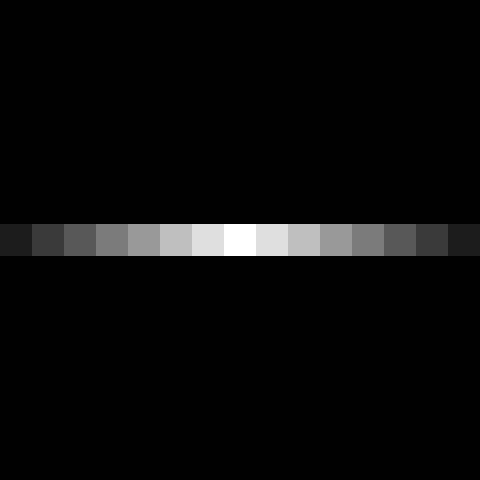
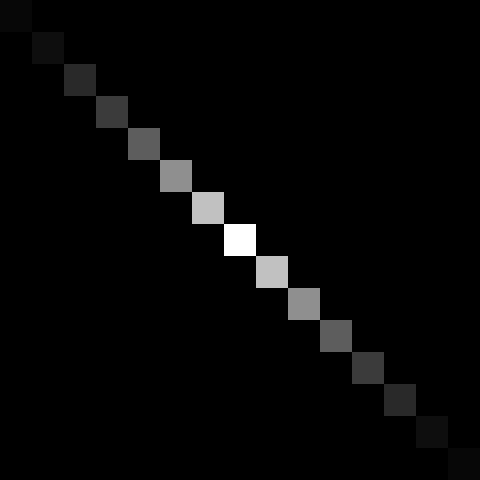
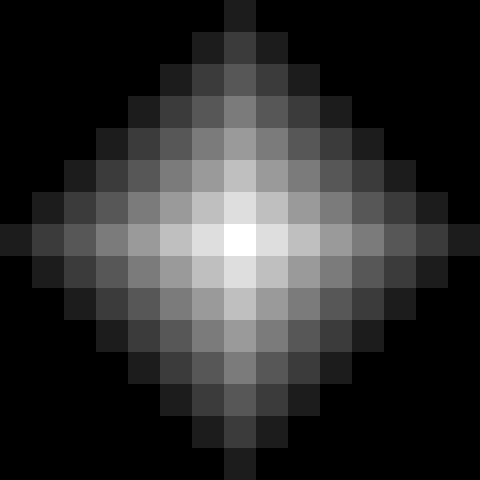
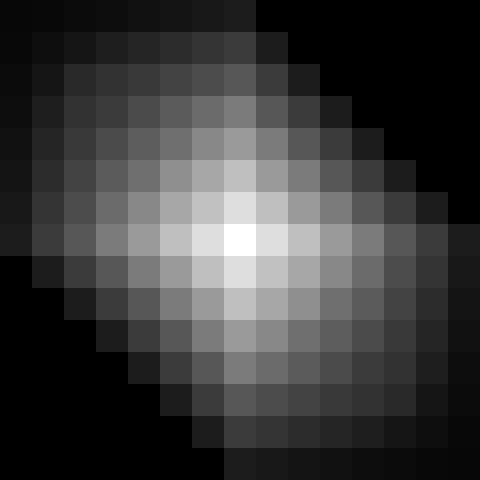
| Run 1 | Run 2 | Run 3 | Run 4 |
 |
|
 |
|
|
 |
 |
|
| Run 1 | Run 1+2 | Run 1+2+3 | Run 1+2+3+4 |
(each run would look like the picture above; the calculation effectively combines these four lightmaps by
For each scanline run, only the current tile is read as the ambience, then gets darkend using the opacity of the current tile, then the precalculated “current light level” is mixed, then the result is written to the lightmap.
This would spread the light source to the one direction of the single line, thus second run is required per scanline to spread the light to the other way
This method still has the overlapping calculation area issue but again, culling is impractical.
The Cost
For 10000 on-screen tiles, the total number of tiles gets calculated are
(30000 for pre-calculation, single scanline has 100 tiles, there are also 100 scanlines; 200 for two-swipe per scanline, multiply it by 100—the number of scanlines, then multiply it by 8 for 8-passes; reading from the previous cell is not counted as it’s re-used for the next tile)
So How Does Your Method Looks Like In the Real World?
Naturally I have to respond with a screenshot from my game:
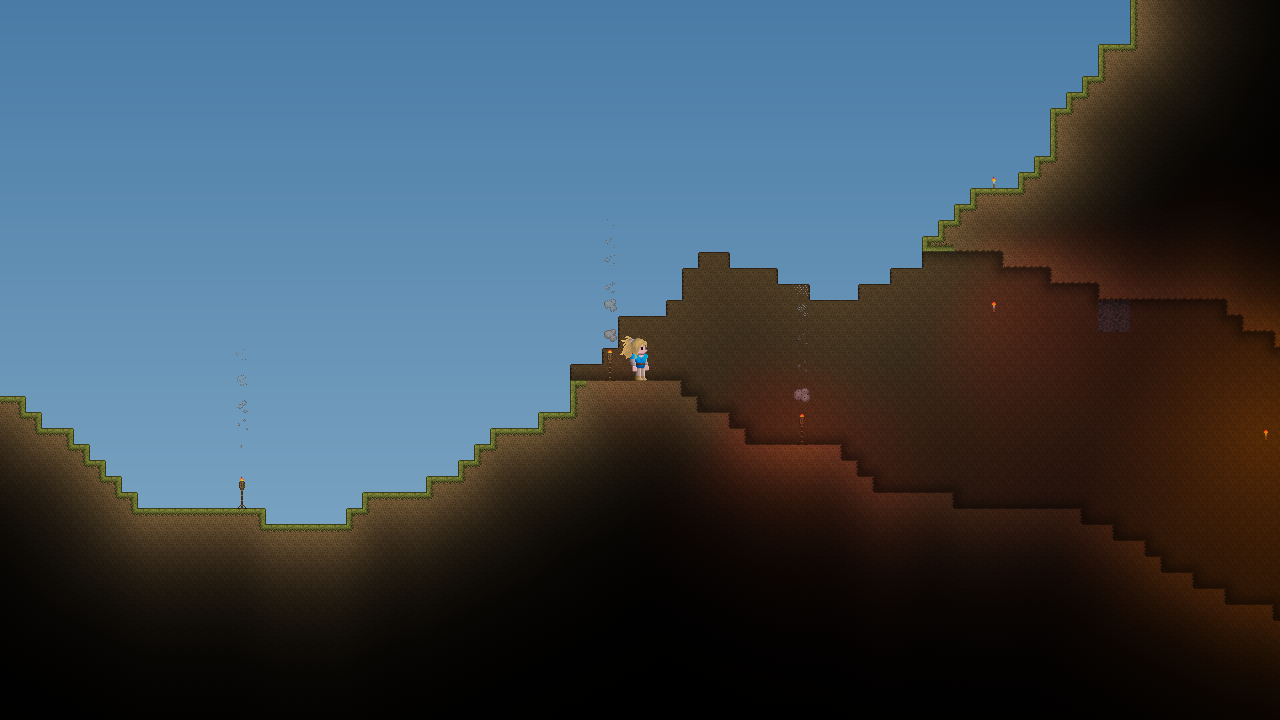
Note that being a game, there are lots of post-processings are going on: notable here are smoothing of the calculated lightmap and the corner occlusion on the tiles.
The smoothing is done by applying what is known as the “Dual Kawase Blur” on the texture that has the lightmap, without one the scene looks blocky as you would expect:
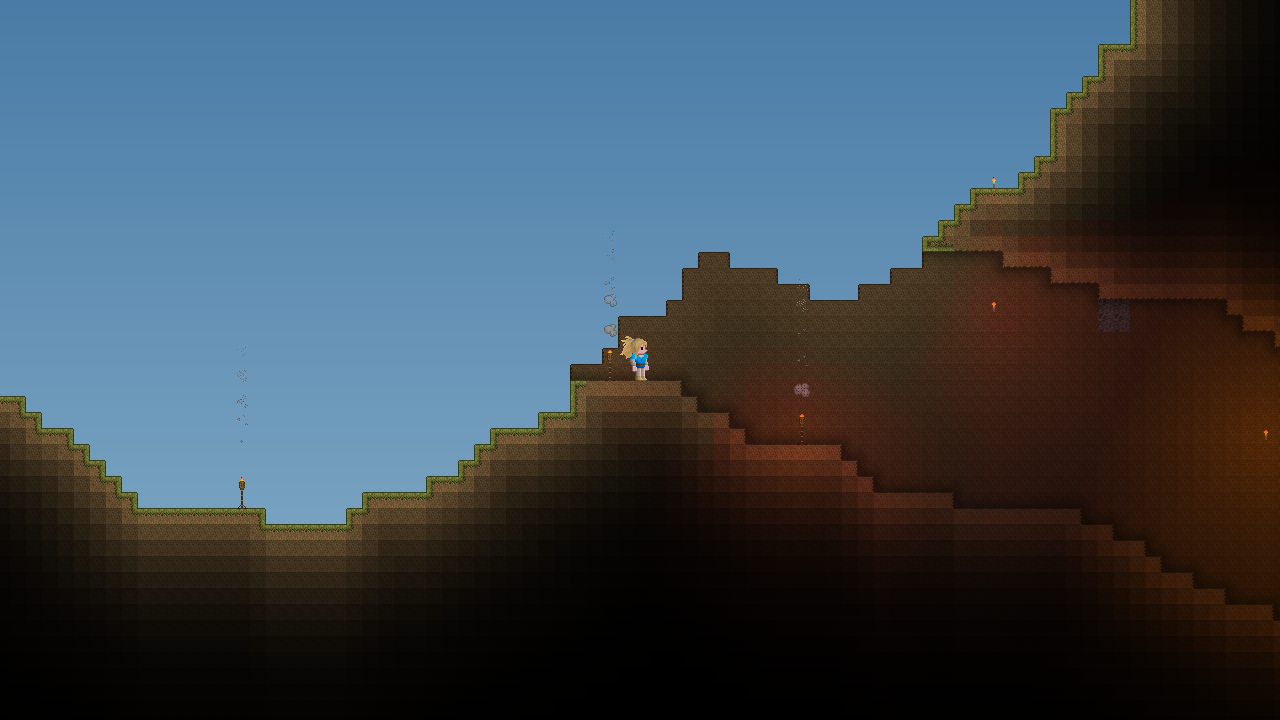
The corner occlusion is just a tessellation of pre-baked corner-occlusion tileset that the game dynamically lays out on the render.
Future Quests
- Global Illumination (every tile needs to have “reflectance” value defined in the Tile Properties)
- Lit edges and/or full Normal Map support (this might be better suited for the post-processing for the light calculation)
- Remove meaningless recalculation in practical ways
Notes
- My game simulates the lighting on FOUR CHANNELS, Alpha channel being the “Ultraviolet” used to simulate the fluorescence. (implementation of it will be covered in the other article) Therefore if your game is using only the three channels or less, this light simulation will run slightly faster for you.