The Artistic Colour Appearance Model
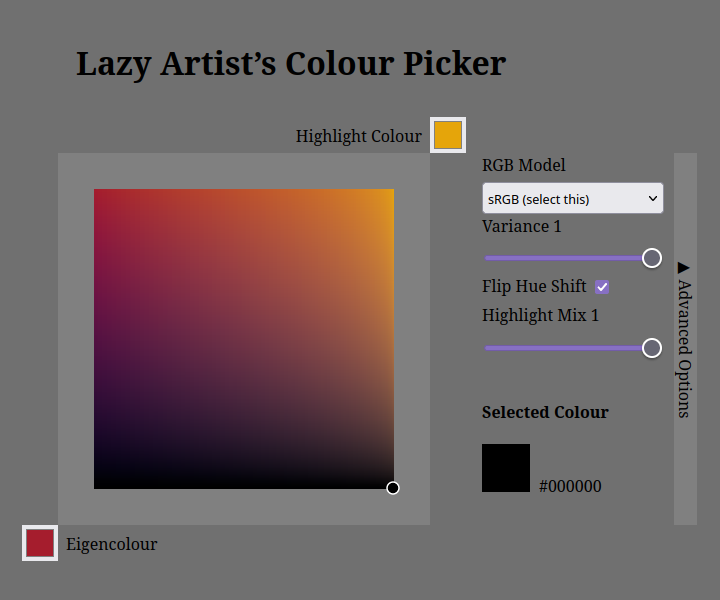
It is a standard in the art community that when you use the HSV colour model for your colour picker, you adjust the H-slider as you darken the colour to make it look more vibrant. The ACAM (pronounced /'æɪ.kæm/) generalises the idea using the single parameter Variance over the OKLab colour space.
But why OKLab? The traditional HSV, being defined over the RGB colour space, has an issue; the colour space is not uniform. What is the uniformity in the colour space? In HSV, two colours—█
The ACAM implements the idea of hue-shifting over the LCh (a cylindrical transformation of the Lab colour space) with a single user-adjustable variable: the Variance.
Features of the ACAM
ACAM can be defined as a five-argument function (Eigencolour, Highlight Colour, Variance, Highlight Mix, Highlight Blending Function) that returns a colour.
Hue Variance
How much variance is a good variance? Rather, but more importantly, what is the best hue-shifting function that allows both natural-looking gradient and the artistic exaggeration without distortion?
There is no definitive answer to this question, but I have come up with the following curve:
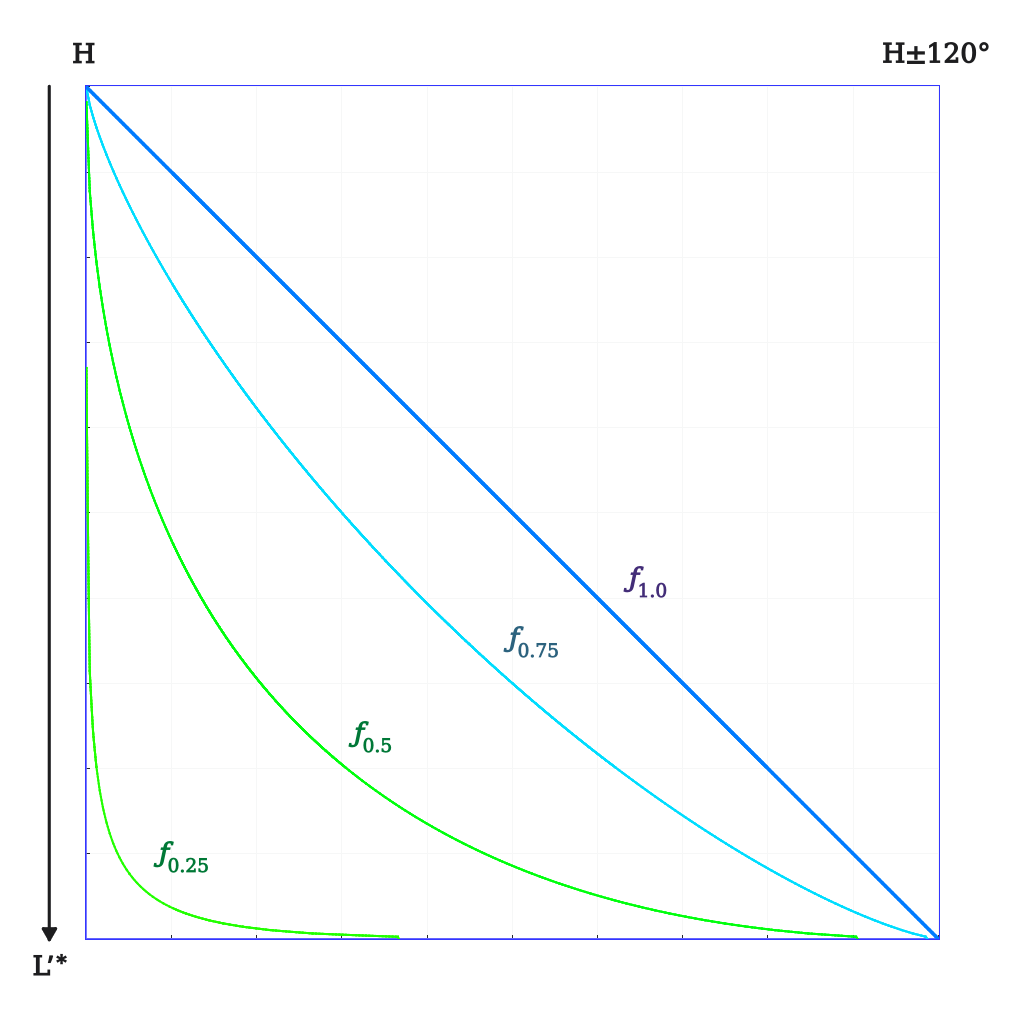
where:
| ƒp | = |
|
| p | = |
|
| ɛ | = | a miniscule number to avoid division by zero |
| Lʹ* | = | decreasing Lightness |
Constant Saturation on the Gradient
Creating a colour gradient that decreases the lightness should take care of the saturation of the darkened colour (i.e. decrease the Chrominance parameter as the Lightness parameter changes), otherwise we could be in the situation where the gradient is asking for the dim and highly saturated yellow, which is impossible.
My solution for this problem is rather simple: linearly decrease the Chrominance parameter proportionally to the decreasing Lightness. (the best solution would be making the dot of the selected colour “glide over” the edge of the mass of visible colours, but such data was unable to find at the time of making the webapp)
Highlight Blending
The Highlight Colours are blended using the chosen blending function (click on the Advanced Options bar on the webapp if you do not know what is being talked about) over the Eigencolour and the Highlight Colour.
Except, the percentage of the blending is not linear: I have chosen to tweak the gradient curve so that the gradient is the orthographic projection of the cylinder.
If the x-coord of the selected point over the colour selection view falls between t = [0 .. 1], the actually selected tsel is given as:
Conclusion
Using the model just described, pleasing colour gradients of desired Variance can be obtained, which hopefully be able to aid the colour selection of a digital artist.
Try it here!
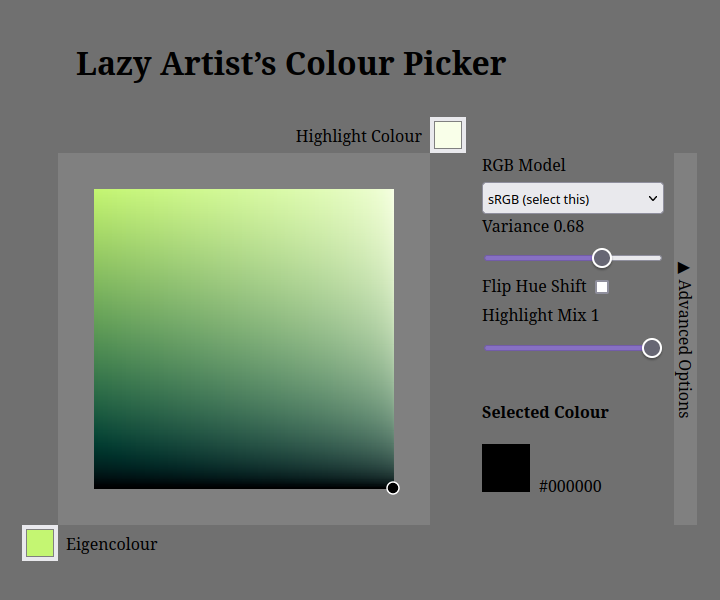 | 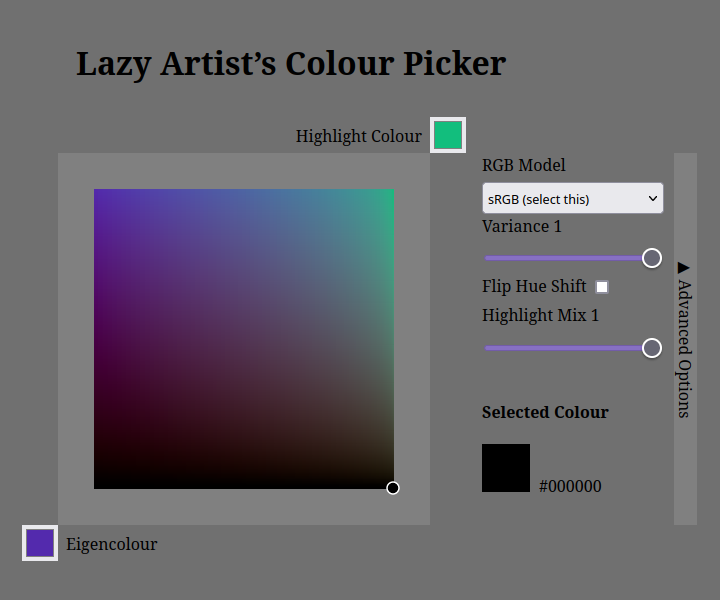 |
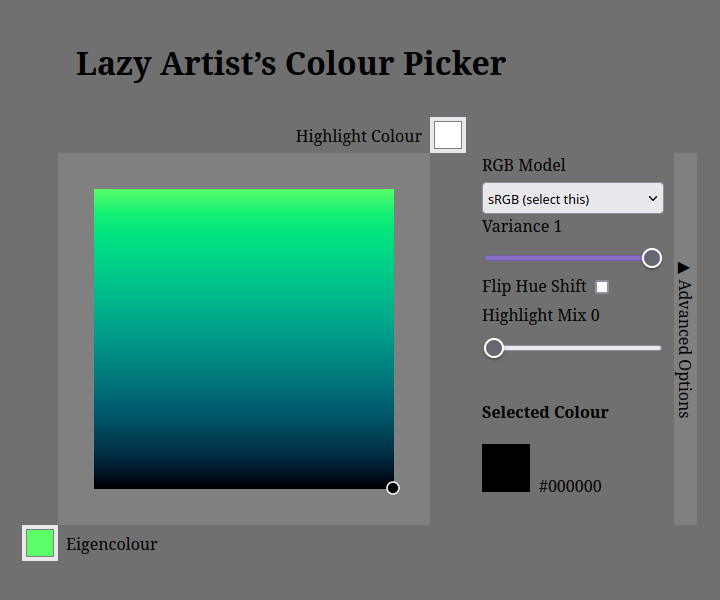 |  |
Bibliography
- Björn Ottoson (2020), A perceptual color space for image processing, published 2020-12-23, accessed 2022-10-22. https://bottosson.github.io/posts/oklab/